 Notion AI Hub Docs
Triggers
Learn about the five trigger types for Notion Custom Agent — scheduled, page edited, email received, property changed, and manual chat.
Triggers
Notion Custom Agent supports multiple trigger types that determine when an Agent automatically starts. Choosing the right trigger ensures your Agent intervenes at the right moment.
Five Trigger Types
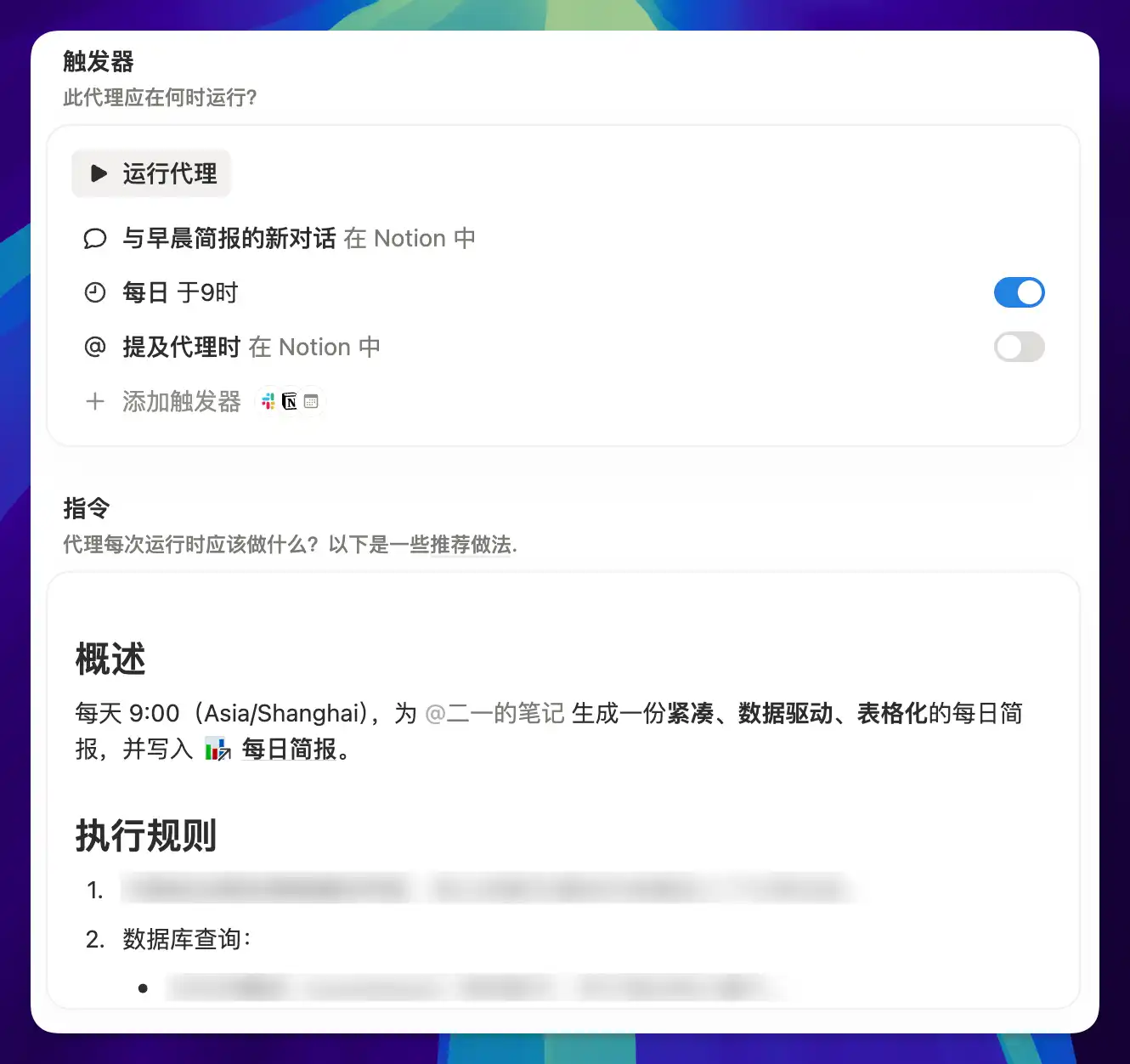
Scheduled
Runs on a fixed schedule, such as every day at 9 AM or every Monday at 2 PM.
Use cases: daily briefings, weekly summaries, periodic data cleanup.
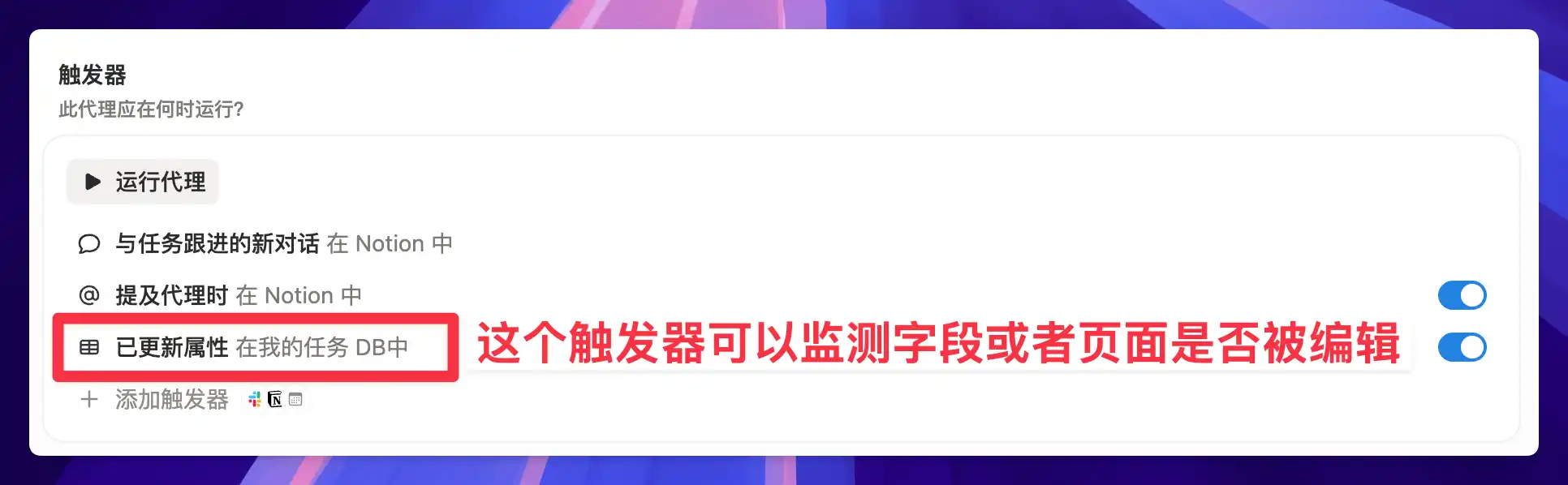
Page Edited
Automatically triggers when a database page is edited. The Agent executes roughly three minutes after the page stops being edited, so it won't jump in while you're still writing.
Use cases: auto-filling fields, content summary generation, data validation.
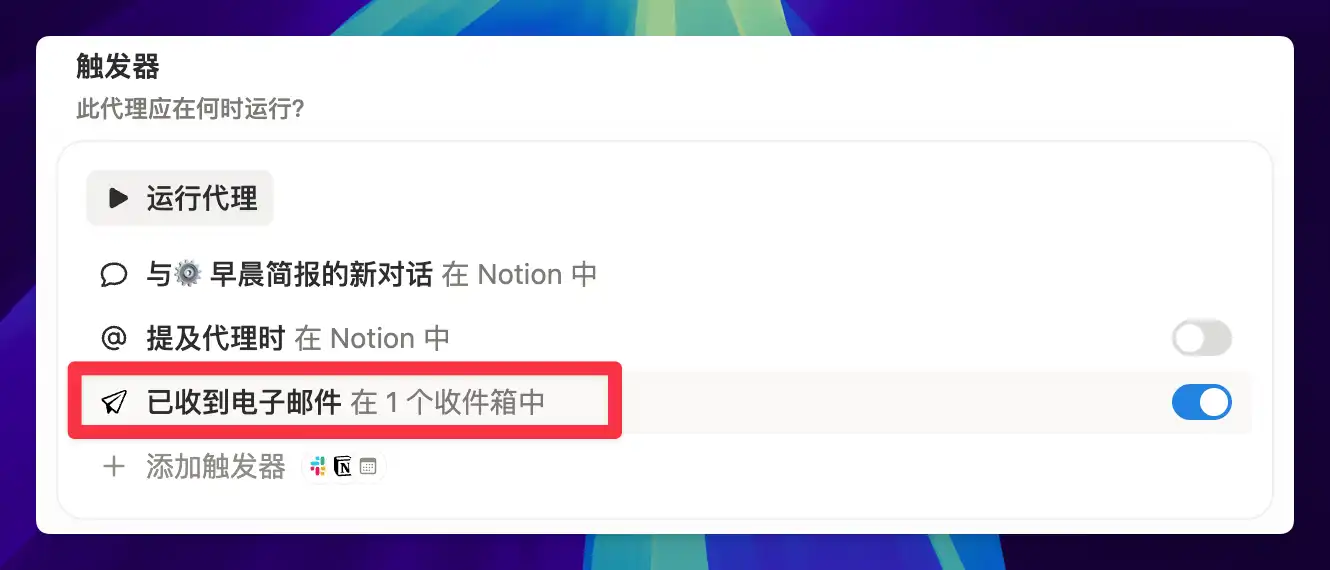
Email Received
Triggers when a new email arrives. You can combine this with email labels to pre-filter messages and avoid consuming Credits on every single email.
Use cases: order logging, email summaries, automatic archiving.
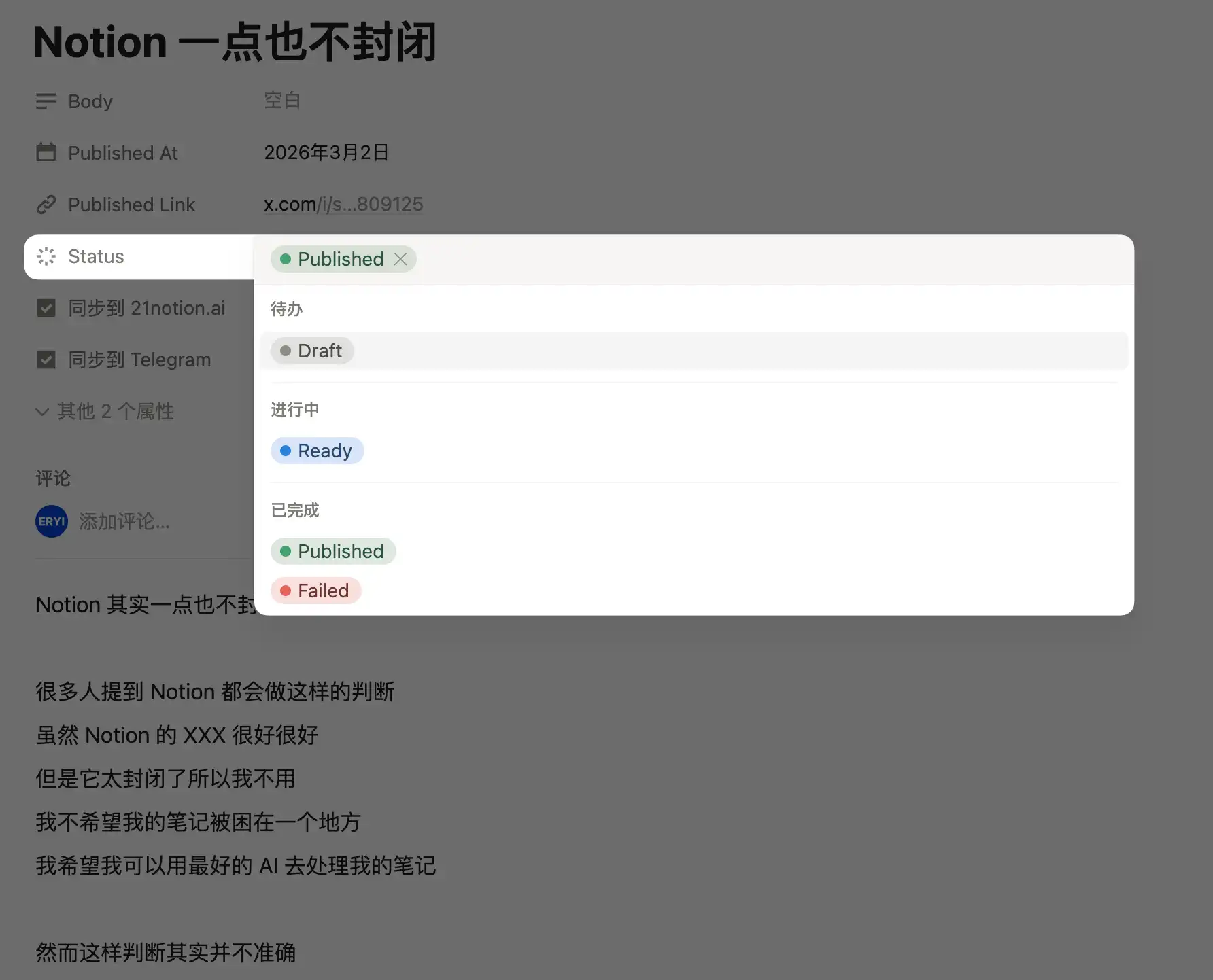
Property Changed
Triggers when a specific property in a database page is modified — for example, when a status changes from "To Do" to "In Progress."
Use cases: status-driven workflows, publishing pipelines, approval chains.
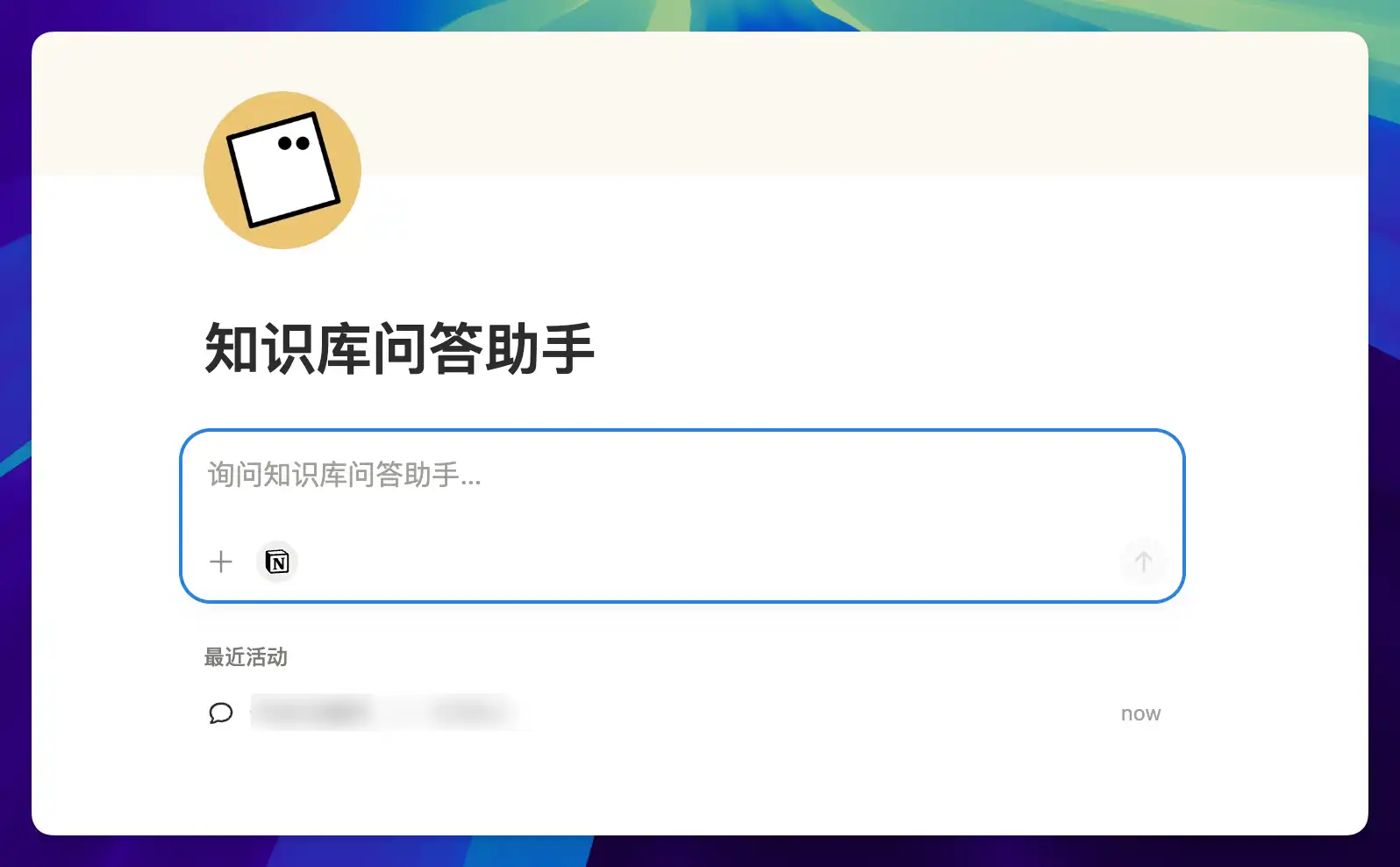
Manual Chat
Open the Agent directly and have a conversation. After you submit a question, it executes based on its preset instructions. This is the most flexible option when you don't need automation.
Use cases: on-demand queries, knowledge base Q&A, ad-hoc tasks.
Choosing the Right Trigger
Different triggers suit different types of tasks:
- Scheduled is best for "routine tasks" — anything that needs to run on a fixed cadence, like daily briefings or weekly summaries
- Page Edited is best for "real-time responses" — when you want the Agent to step in right after you finish writing
- Email Received is best for "external inputs" — workflows driven by external events like incoming emails
- Property Changed is best for "process-driven flows" — status changes trigger the next step, chaining together an entire workflow
- Manual Chat is best for "on-demand use" — no automation needed, just open and chat whenever you want
Trigger Design Tips
A well-designed trigger should be driven by "current events" (such as a new email, a new topic, or a status change) rather than firing randomly without purpose. If a trigger's timing isn't precise enough, the Agent's output becomes noise that adds to your workload instead of reducing it.
Last updated on