 Notion AI Hub Docs
Model Selection
Understand the AI models available in Notion Custom Agent and how to choose the right model based on task complexity.
Model Selection
Custom Agent supports multiple AI models, each differing in intelligence level and Credits consumption. Choosing the right model is key to balancing performance and cost.
Core Principles
- More capable models handle complex tasks better, but consume more Credits
- Simple tasks only need low-cost models; reserve high-end models for complex tasks
Available Models
The following is based on models available during the beta period and may change after official release:
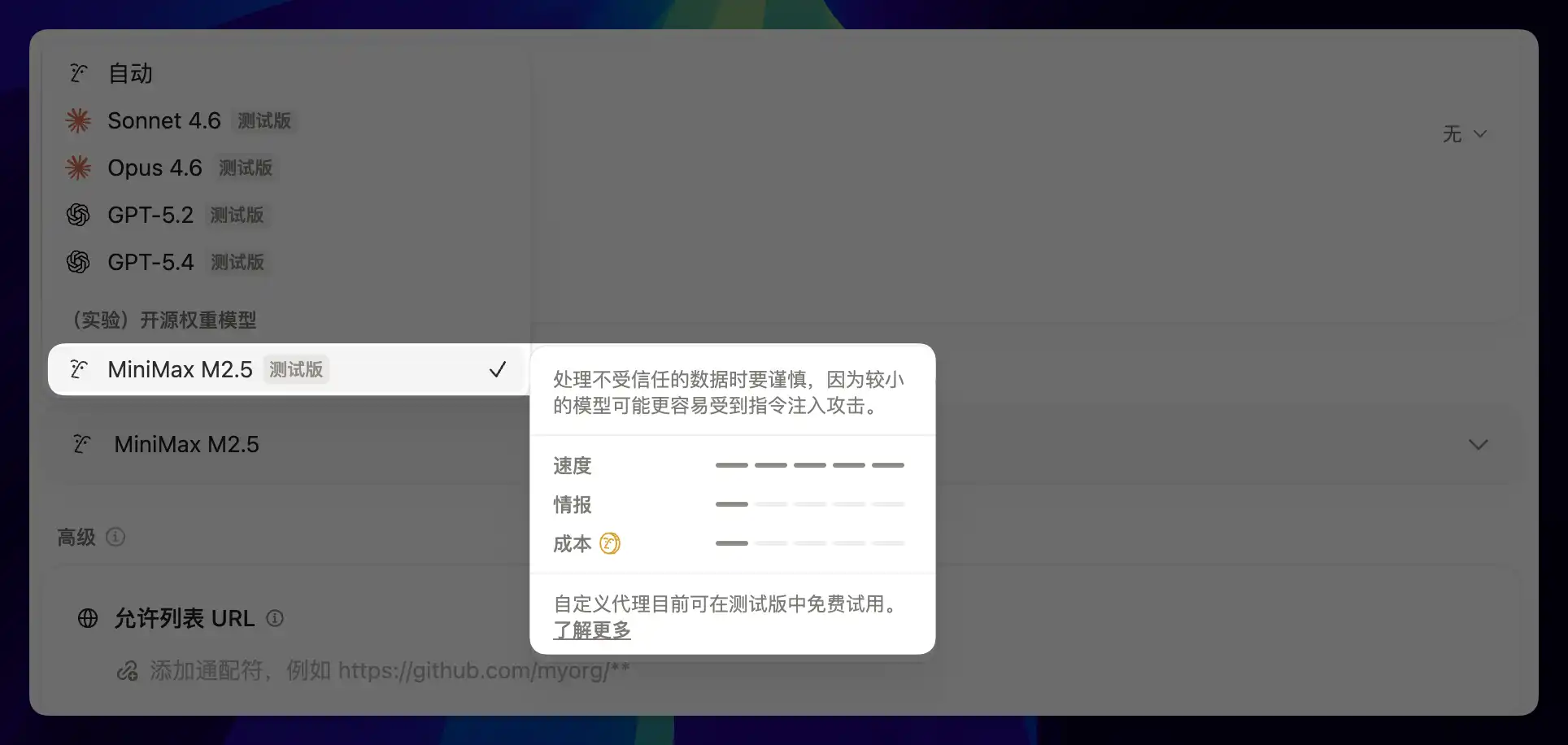
- High-end models (such as Claude and GPT-5 class): suitable for complex reasoning, multi-step tasks, and content generation
- MiniMax 2.5: the first domestic model introduced by Notion, reducing Credits consumption by roughly two-thirds, suitable for simple scheduled recurring tasks
Selection Recommendations
- Content generation, translation, complex reasoning → use high-end models
- Scheduled briefings, simple field filling, formatting → use low-cost models like MiniMax 2.5
- Multi-step workflows (such as an 11-step blog publishing process) → use high-end models to ensure each step executes accurately
- Email classification, label matching, and pattern recognition → low-cost models are usually sufficient
More Models Coming Soon
The Notion CEO has stated that more models will be continuously added. In the future, there may be more domestic models and low-cost options, giving users more flexibility across different scenarios.

Last updated on
Triggers
Learn about the five trigger types for Notion Custom Agent — scheduled, page edited, email received, property changed, and manual chat.
Routing Pattern
Manage multiple Notion Custom Agents with the routing pattern — cut unnecessary credit use via entry-point routing and email-label pre-filtering.