In early February, I started going all-in on Notion Custom Agents. One month later, I've built 16 of them — covering email processing, task management, social media publishing, note organization, data syncing, and more.
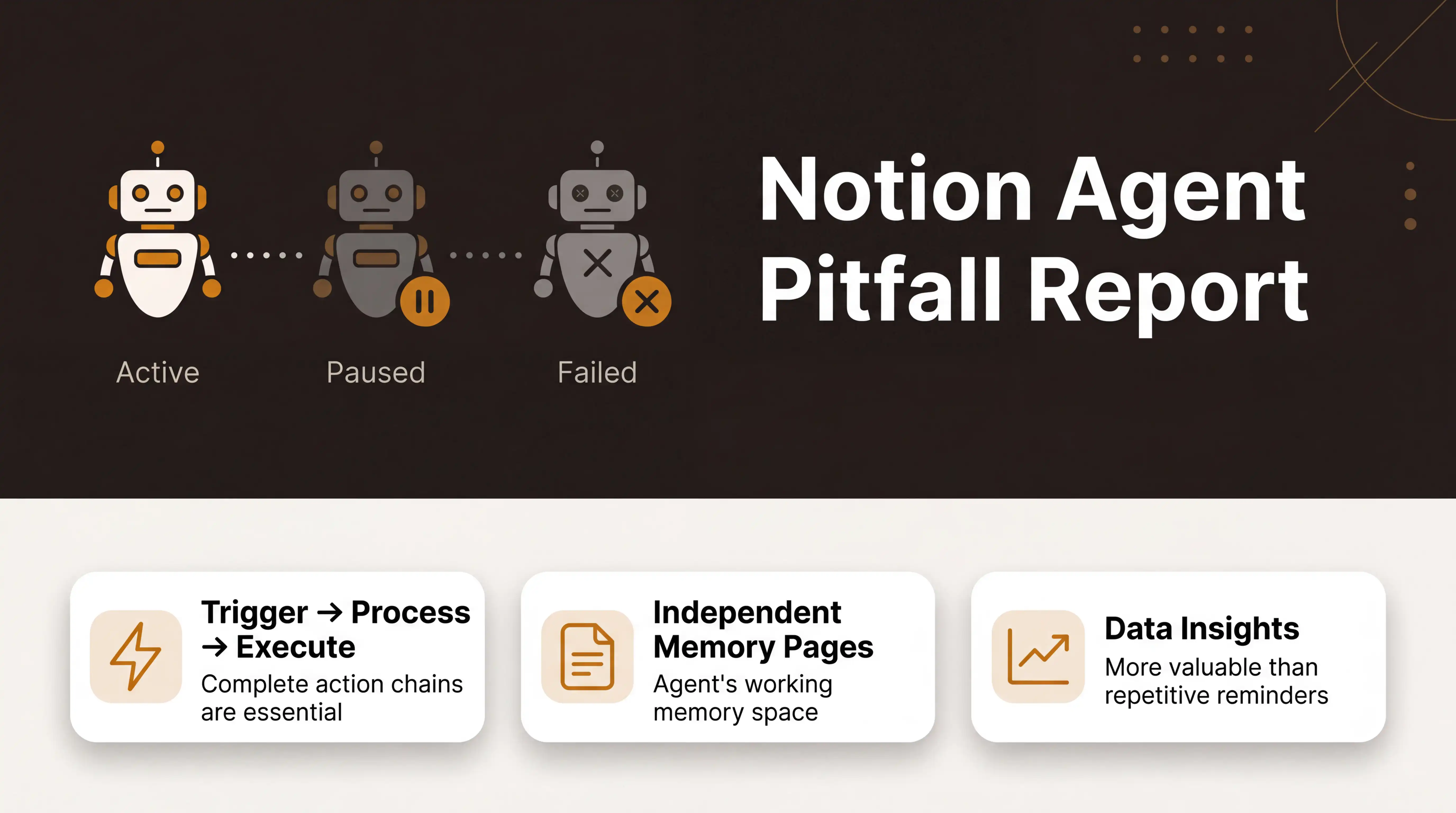
The results are honest: 4 are still running, 9 are paused, and 3 failed completely. A 25% survival rate.
This isn't a tutorial on how to create Agents (for that, check out this beginner's guide). What I want to talk about here is what I learned after actually using Agents day-to-day, running them for a while, and eventually shutting some of them down.
Lesson 1: Automate incoming data, not existing data
This one took me the longest to figure out.
I built two Agents specifically for existing data: Random Note Resurface and Random Task Resurface. The idea was simple — I have hundreds of notes and tasks in Notion, so I'd have an Agent randomly pick a few each day and push them to me, helping me "rediscover" forgotten content.
Sounds great in theory. Terrible in practice.
The volume of existing data is massive, and whatever the Agent randomly picks has virtually no connection to what I actually need right now. After a few days, I started ignoring the notifications entirely. Both Agents got shut down.
On the flip side, Agents that handle incoming data work much better. Take Daily Inbox Tidy — I have a zero-friction inbox in Notion where I dump whatever comes to mind, no categorization or scheduling needed. This Agent runs every morning, picks out yesterday's unfinished items, and carries them forward into today. Small scope, fresh information, and it produces genuinely useful results every single day.
Takeaway: Agents are great at "something new comes in, help me deal with it" — not "dig up old stuff and show it to me." When designing an Agent, prioritize incoming data scenarios.
Lesson 2: Not everything should be automated
My Task Follow-up Assistant was initially set to trigger automatically whenever a task page was updated. Any change to a task page would make it run, writing next-step suggestions into a notes field. The problem? Most of the time I'd just changed a tag or added a quick note, and the Agent would eagerly jump in to "follow up" with output that was completely irrelevant.
I switched it to manual invocation: @ the Agent when I need it, otherwise it stays quiet. The results actually improved, because calling it manually means you have a clear intent, and the Agent's output better matches what you expect.
I ran into this pattern with several other Agents. My rule now: unless a scenario is naturally suited for automation (like processing emails as they arrive, or generating a daily summary on schedule), default to manual invocation.
Automation doesn't automatically mean better — and that's especially true for Agents.
Lesson 3: Detection without action is useless
My Software Update Checker Agent had a simple job: periodically check whether certain apps I follow had new versions. The detection worked fine, and it could notify me ✅ that an update was available. But then what? It would tell me "App X updated to v2.3," and that was it. No task created, no workflow triggered — just a notification.
A few days in, that notification got buried under everything else, and I never bothered to act on it. I ended up pausing the Agent. Not because the detection was bad, but because the action chain was incomplete.
A good Agent needs a complete pipeline: trigger → process → land. If that last step — "land" — is missing, whether it's writing to a database, creating a task, or triggering the next workflow, the entire Agent is doing busywork.
Lesson 4: Give every Agent its own memory page
This is a technique I've been putting into practice recently.
Every time a Notion Custom Agent is triggered, it can read designated pages as context. What I do is create a dedicated "memory page" for Agents that need richer context. The Agent reads this page each time it runs, and writes key information back to it when it's done.
Take my Email Smart Agent as an example — it needs to remember which emails it has already processed, what my preferences are, and which rules were added later. With a memory page, its behavior became dramatically more consistent. It stopped reprocessing the same emails and stopped forgetting rules I'd added after the initial setup.
Here's how to do it:
- Create a page in the Agent's knowledge base folder, named something like "XX Agent Memory"
- Add an instruction: read this page before every run, and update it after every run
- Let the Agent decide what to remember — what it writes back is often more accurate than what you'd expect
The difference between an Agent with memory and one without is enormous.
Lesson 5: Credit consumption is a real constraint
Notion Custom Agent runs on a credit system, and it's a very real constraint that shapes your design decisions.
The most direct example: my Git Log Agent. It pulled commit records from GitHub daily and wrote them into Notion — functionally perfect ✅. But running it every day added up to significant credit consumption. I ended up pausing it and switching to a more flexible on-demand approach.
A positive example is the routing pattern for email processing. Initially, I had three separate Agents handling three types of email (Stripe orders, contact forms, newsletters). Each email triggered one Agent, so credit consumption was three units. I restructured it into a single entry Agent that routes: it identifies the email type first, then dispatches to the appropriate processing logic. Same email volume, one-third the credit cost.
When designing Agents, don't just ask "can it be done?" — also ask "is it worth the cost?"
Lesson 6: Data insights outlast task reminders
My Morning Briefing Agent went through three phases.
Phase one: it generated a standard daily report — today's calendar, to-dos, weather. Neatly formatted, delivered on time every morning.
Phase two: I added data sources, so instead of just listing tasks, it aggregated yesterday's work data and analyzed trends.
Phase three: I paused it.
Why? Because at its core, the output was still repeating information I already knew. I check my own calendar. I know my own to-dos. It was just restating the same things in a different format — and over time it became mechanical background noise.
In contrast, Agents that do data aggregation and cross-analysis tend to stick around longer. The difference:
- Task reminder type: "You have 5 things to do today" → I know, I don't need you to tell me
- Data-driven type: "You processed 23 emails last week, 60% were newsletters — consider trimming your subscription list" → Now that's useful
An Agent's value isn't in listing what you already know — it's in surfacing insights from data that you don't know.
Final Scorecard: All 16 Agents
| Status | Count | Percentage | Examples |
|---|---|---|---|
| ✅ Still in use | 4 | 25% | Email Smart Agent, Daily Inbox Tidy, Newsletter Capture, Holiday Sync |
| 🔧 Paused | 9 | 56% | Morning Briefing, Git Log, Random Notes, Task Follow-up, etc. |
| ❌ Complete failure | 3 | 19% | YouTube Notifications, Bilibili Tracker, Readwise MCP |
A 25% survival rate — but that's not a bad thing. Paused Agents aren't failures — they helped me figure out which patterns work and which don't. The 3 complete failures were all due to external access limitations (Agents can't access YouTube, can't scrape dynamically rendered pages, and third-party MCP connections are unreliable). These are current product boundaries, not design flaws.
If you're getting started with Notion Custom Agents, here's my advice: Start with a small incoming-data scenario, validate with manual invocation, make sure the action chain is complete before enabling automation, and keep an eye on credit consumption.
Don't try to build a perfect system from day one. Agents are meant to be iterated on, not deployed and forgotten.
That said, how much value an Agent delivers depends on whether your Notion workspace has a clear structure. If you're still figuring out how to organize tasks, notes, and projects, check out the FLO.W template I built — it's the foundation all my Agents run on.
FAQ
Is Notion Custom Agent worth using?
Yes, but manage your expectations. It's not a set-it-and-forget-it automation tool — it's more like an assistant that needs training. You'll invest time upfront understanding its capabilities and limits, but once you've set up the right architecture, it genuinely saves effort. My email Agent now processes all incoming mail automatically every day without any intervention from me.
What's the biggest limitation of Notion Custom Agent?
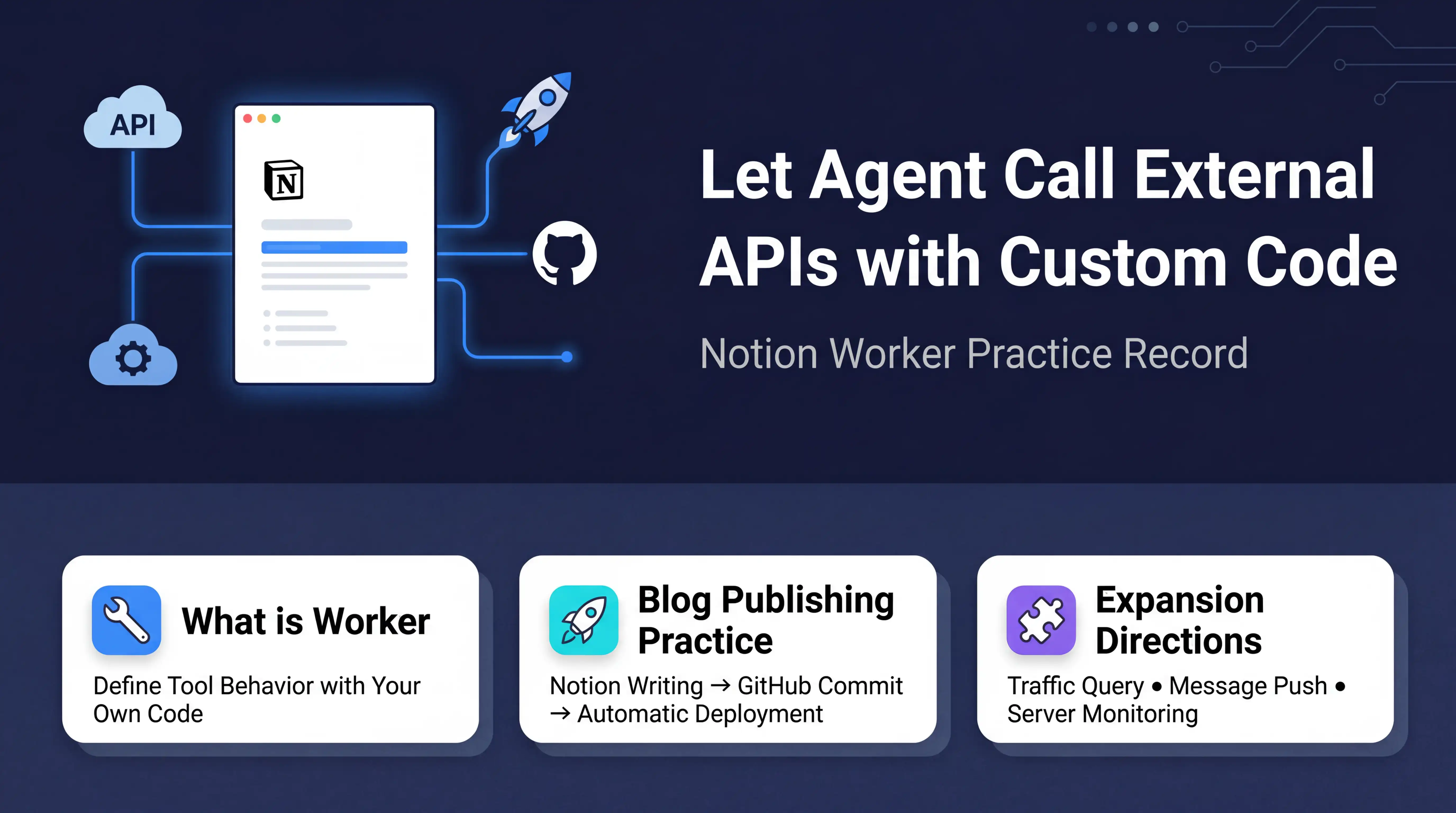
Limited external access. Agents can't reach YouTube, can't scrape pages that require login or dynamic rendering, and third-party MCP connections aren't always stable. If your use case depends on external data, test whether the Agent can actually read it before investing time in building a full workflow. You can extend Agent capabilities with Worker, but Worker is still in alpha.
Do I need a programming background for Notion Custom Agent?
Creating and configuring Agents requires zero programming — you just need to write instructions in plain language. However, if you want to extend functionality with Worker (like calling external APIs to post tweets), that part does require code. I have no programming background myself — I got through the Worker parts entirely with AI assistance.
🤖 Unlock the Full Power of Notion Agents
Notion Agents can only be as powerful as the workspace they run on. The FLO.W Notion template comes with a well-defined database structure — fields carefully designed and refined — ready for Agents to read and act on.